4.9/5 Rating
Free Shipping4-7 Days

A practical photo guide
Choose the photo that will create the strongest portrait, then test it in a free preview.
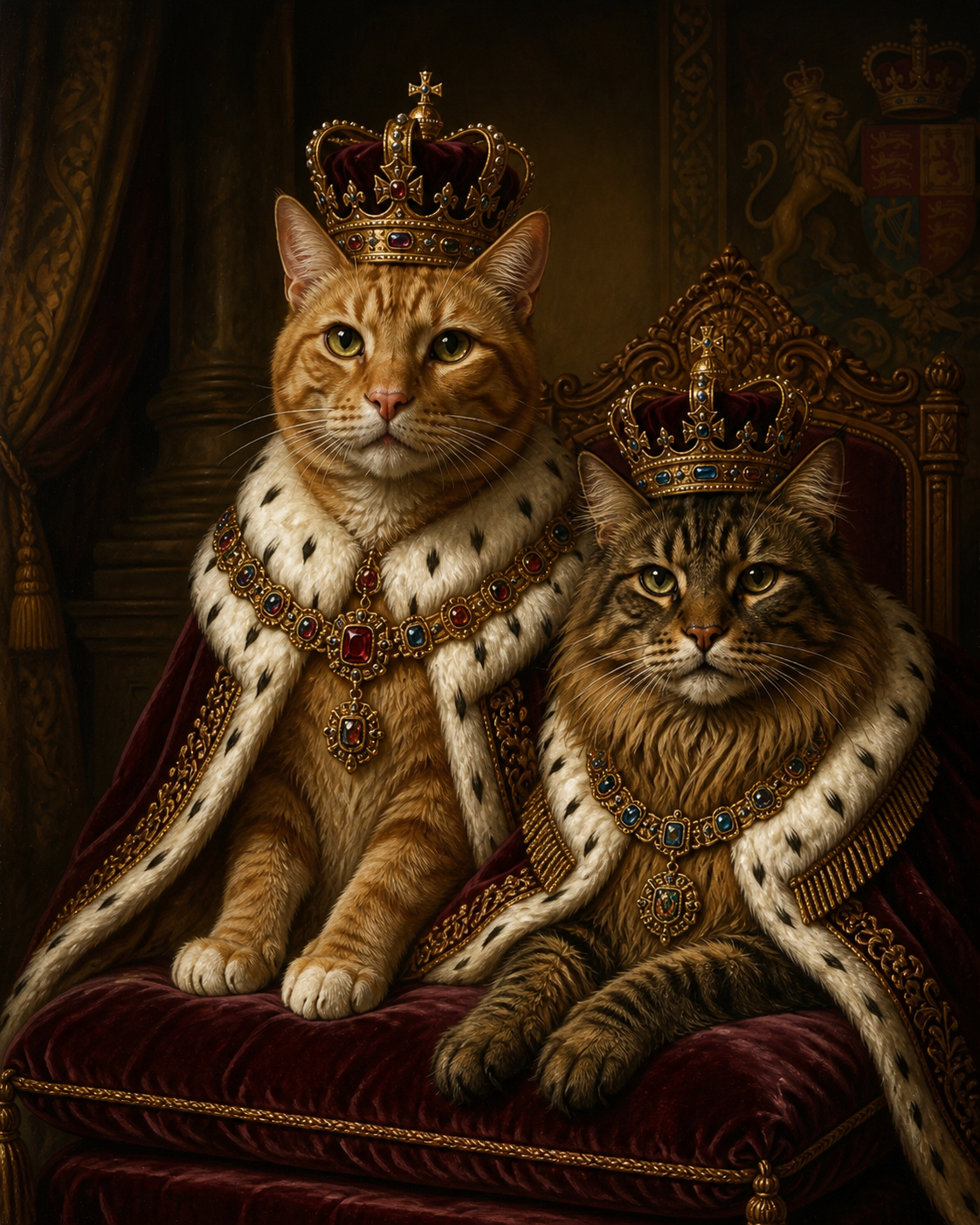
“The portrait of my dog is absolute royalty. I can't stop staring at it! The detail in the crown and fur is just breathtaking.”
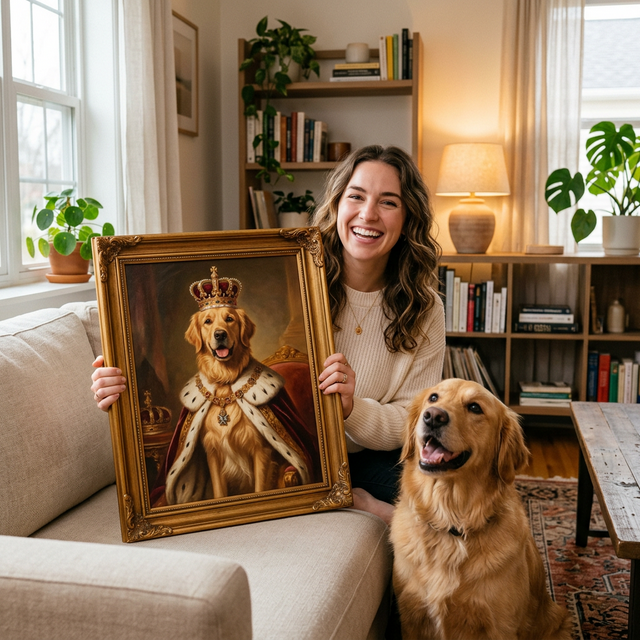
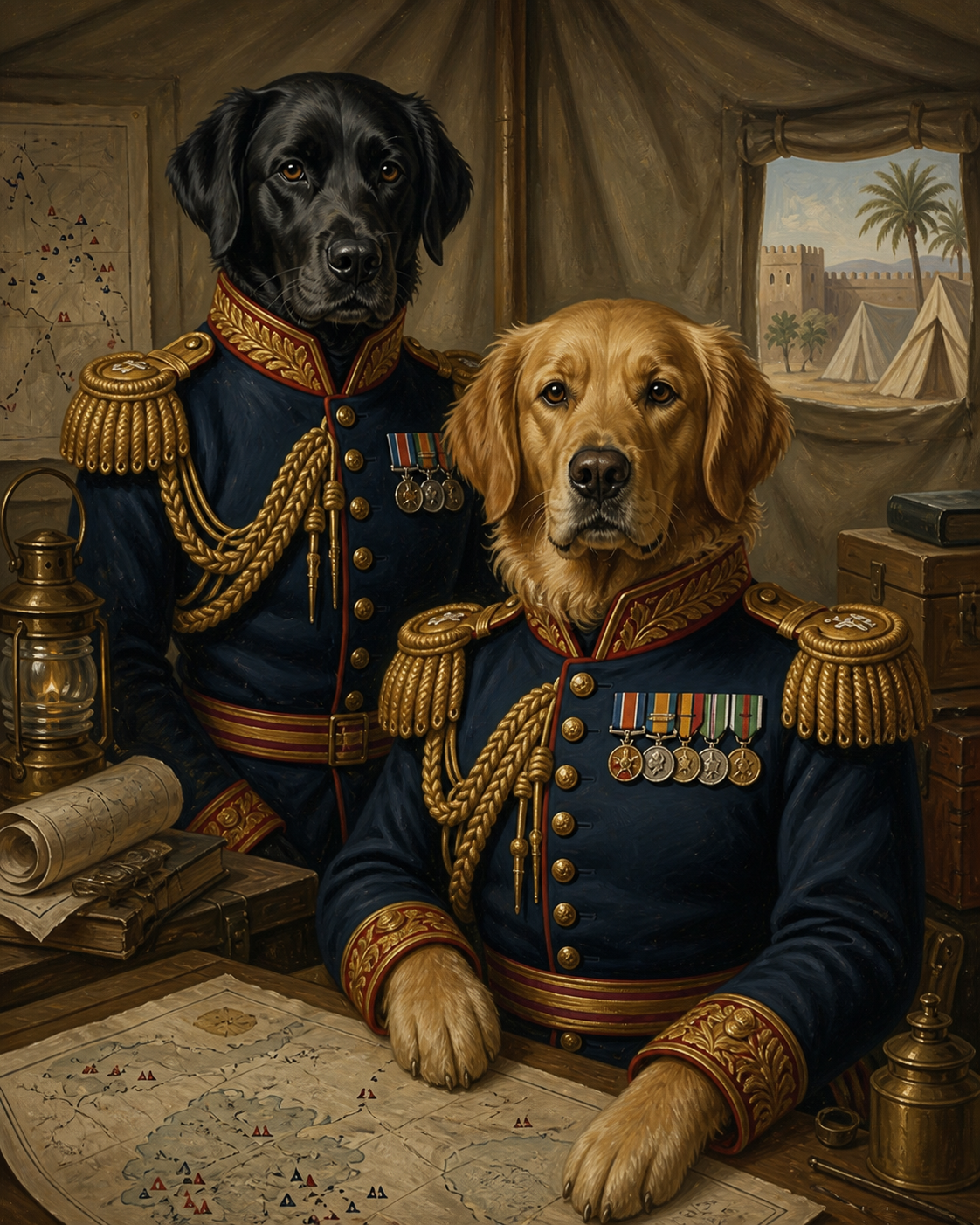
“I've tried other AI generators, but MagicPortrait's quality is on another level. The lighting and textures feel like a real oil painting.”
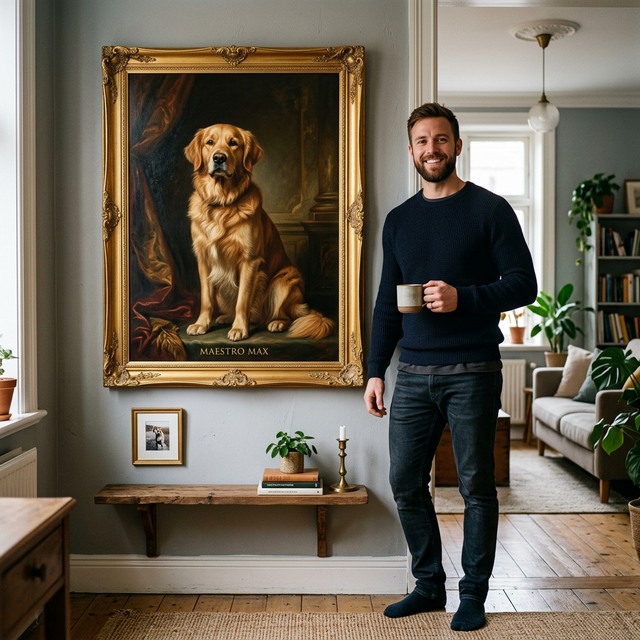
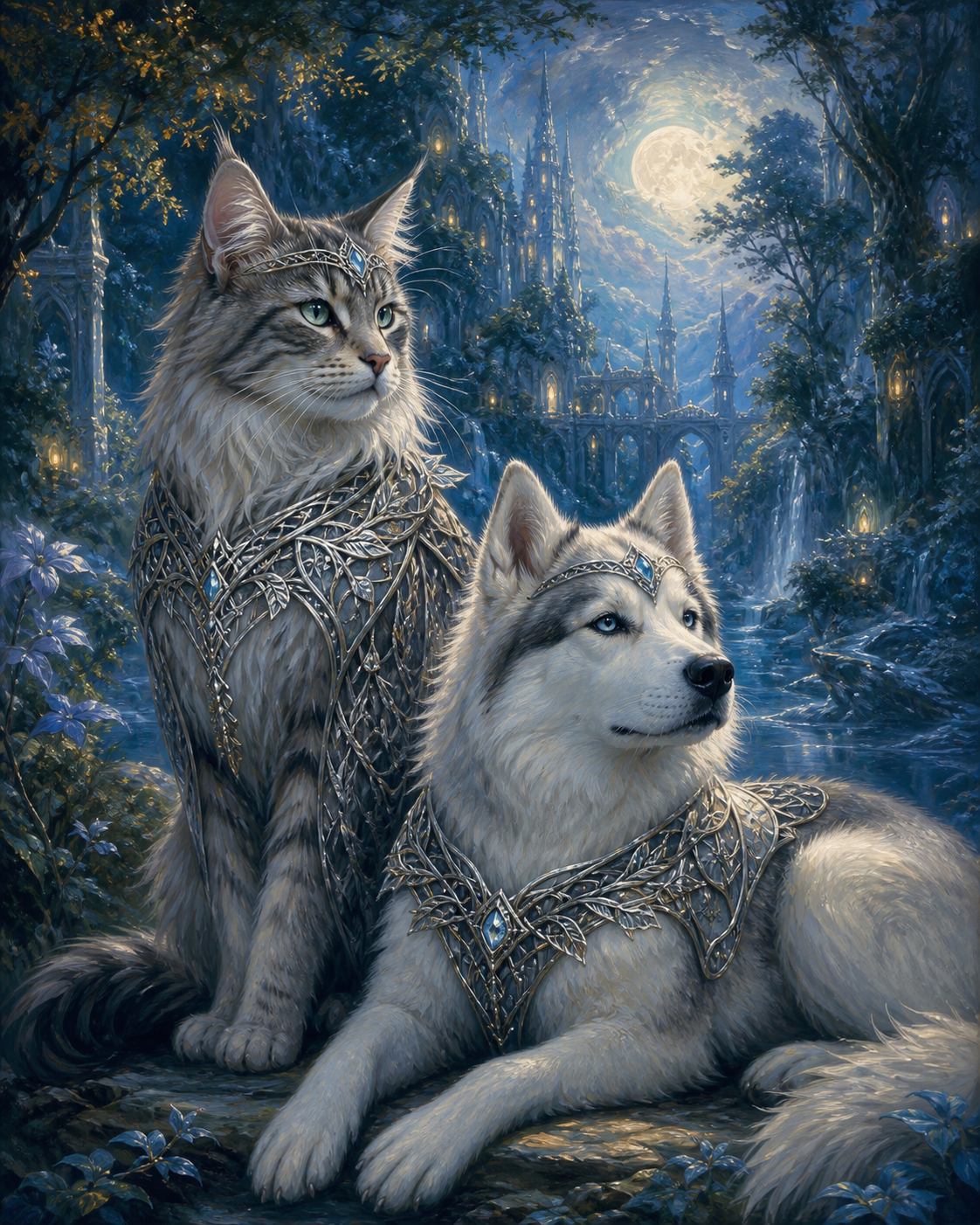
“The portrait perfectly captured my cat's personality. Hilarious and beautiful. It's now the centerpiece of our living room!”
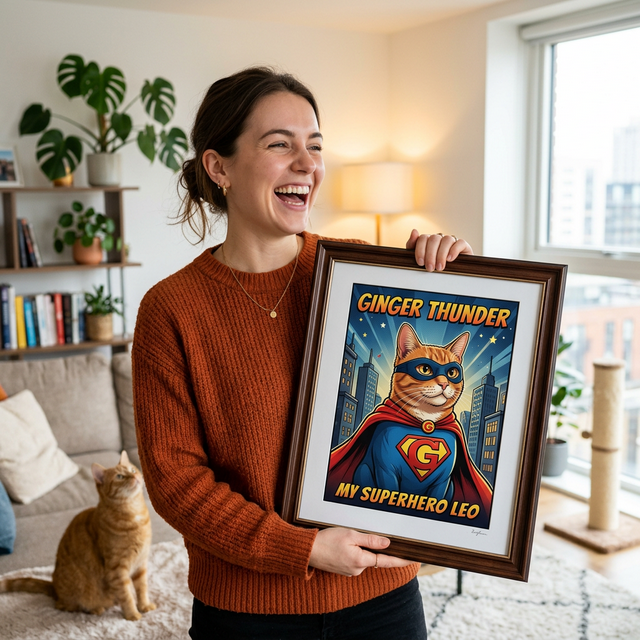
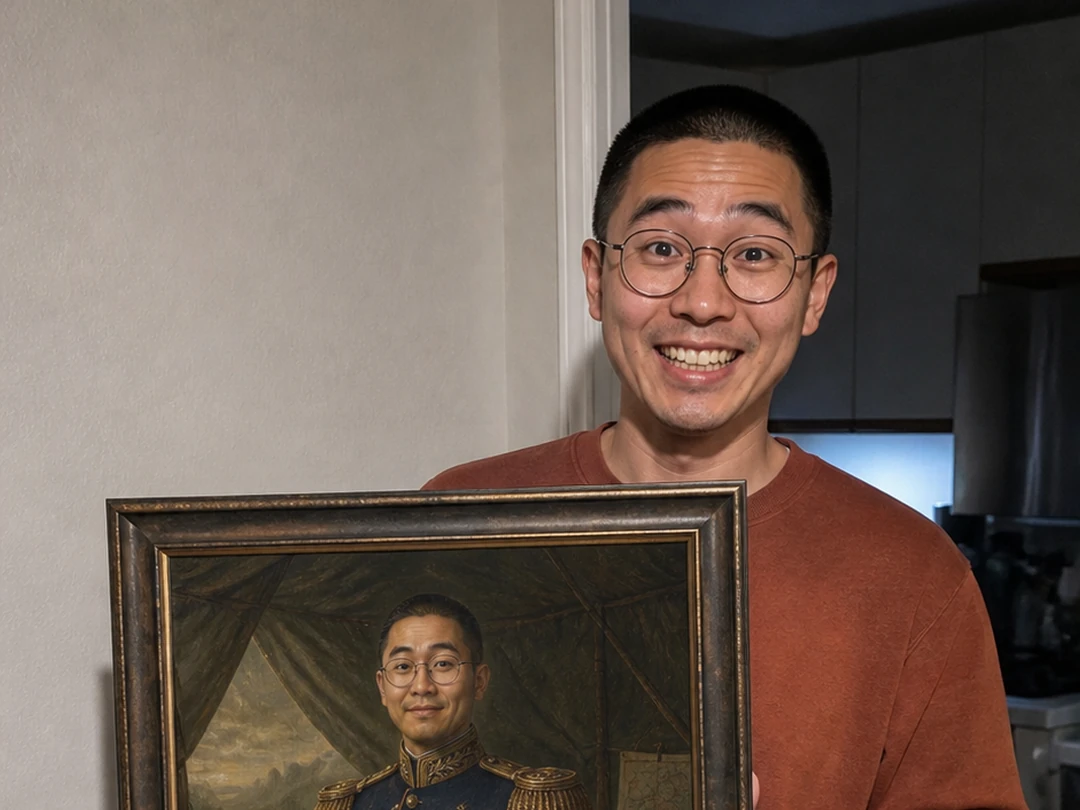
“Lightning fast delivery for the print, and the quality is museum-grade. The frame is sturdy and the colors pop.”
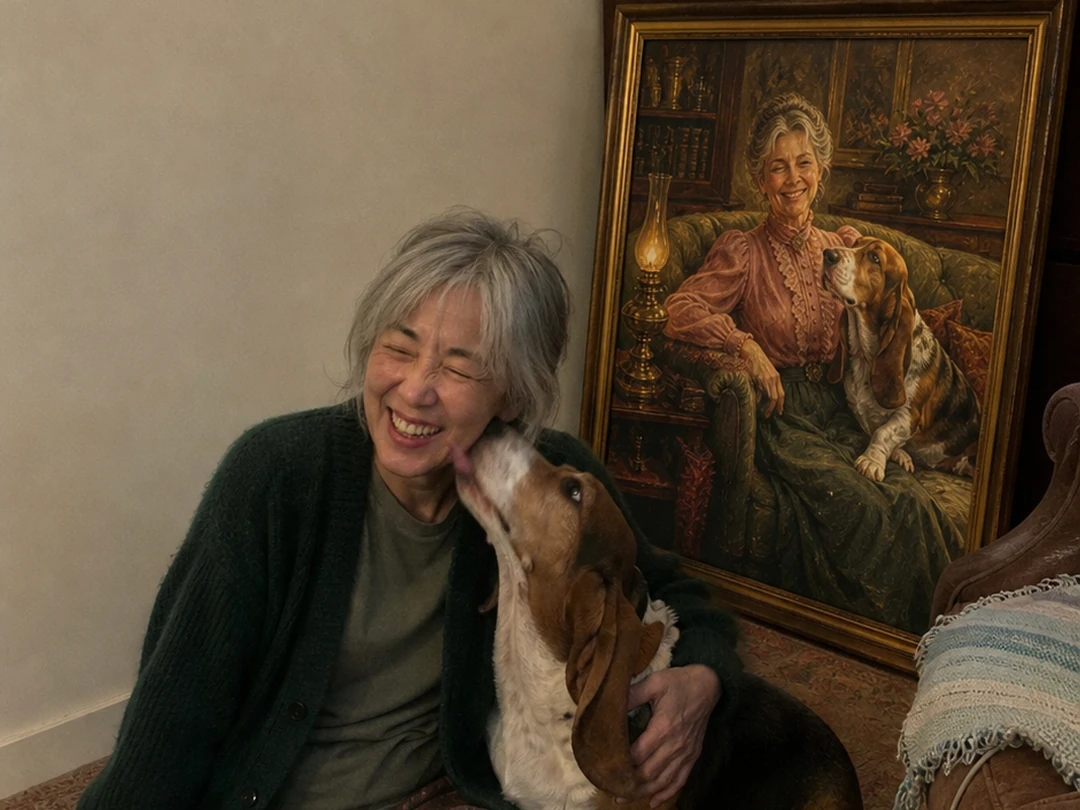
“The attention to detail is incredible. Even the collar was perfectly rendered!”
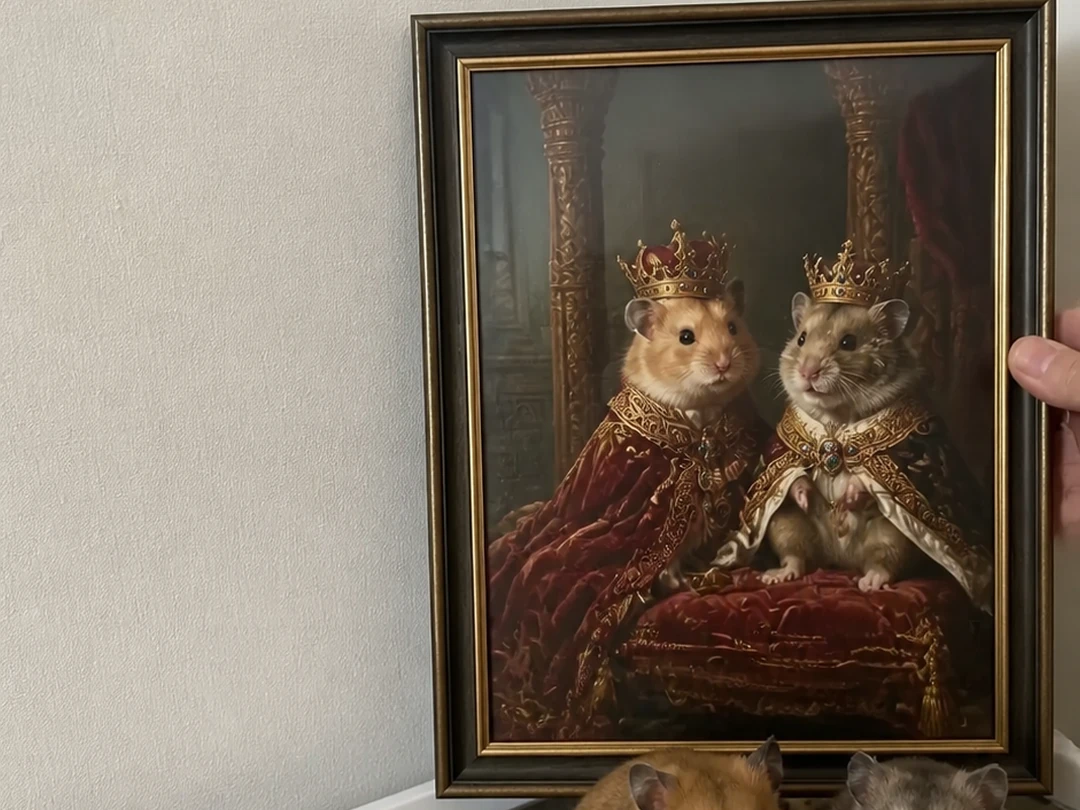
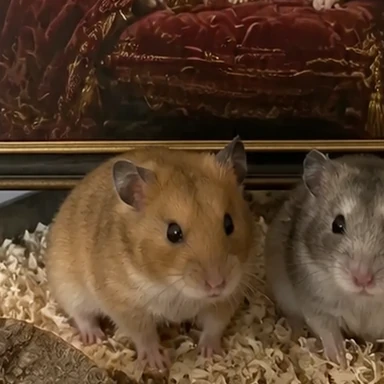
“Transforming my hamsters into vikings was the best decision I've made this year. The detail is surprisingly good even for small pets.”
Compare different directions with the same photo before you order anything.
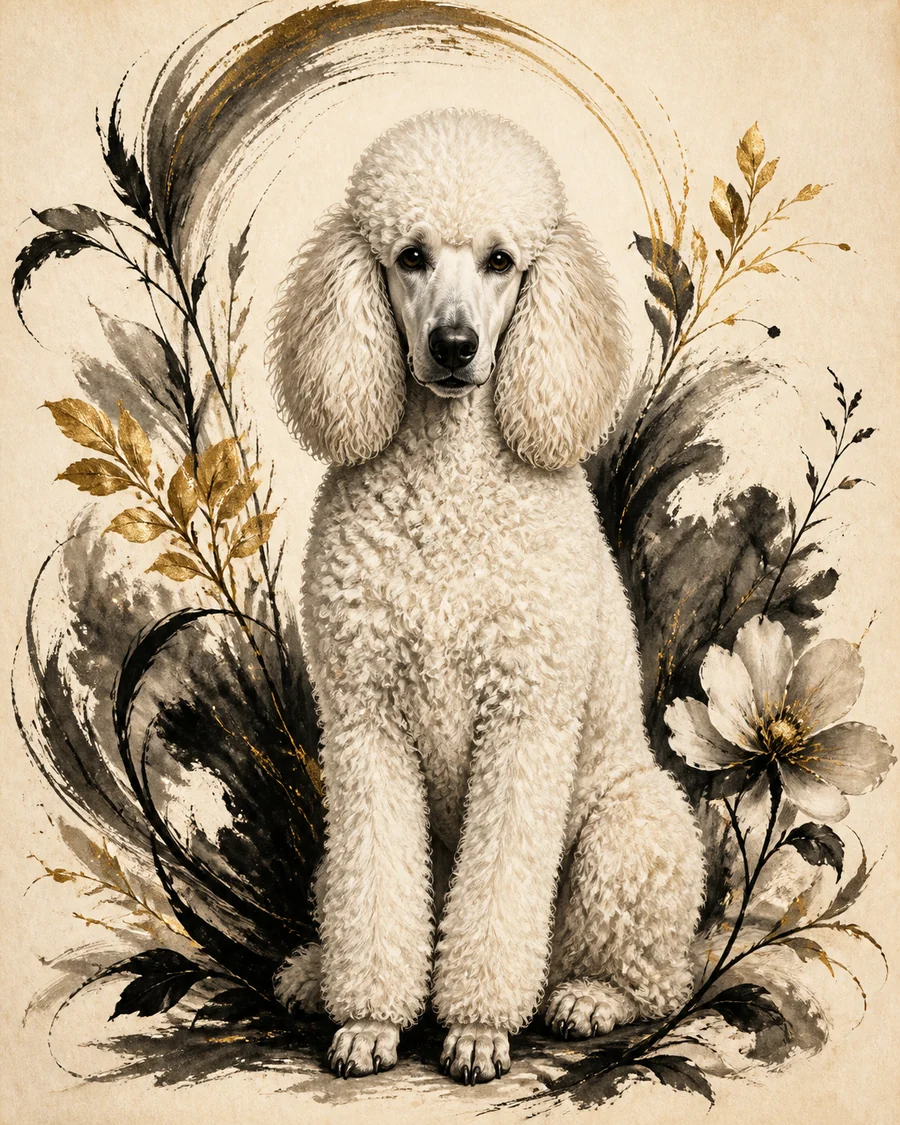
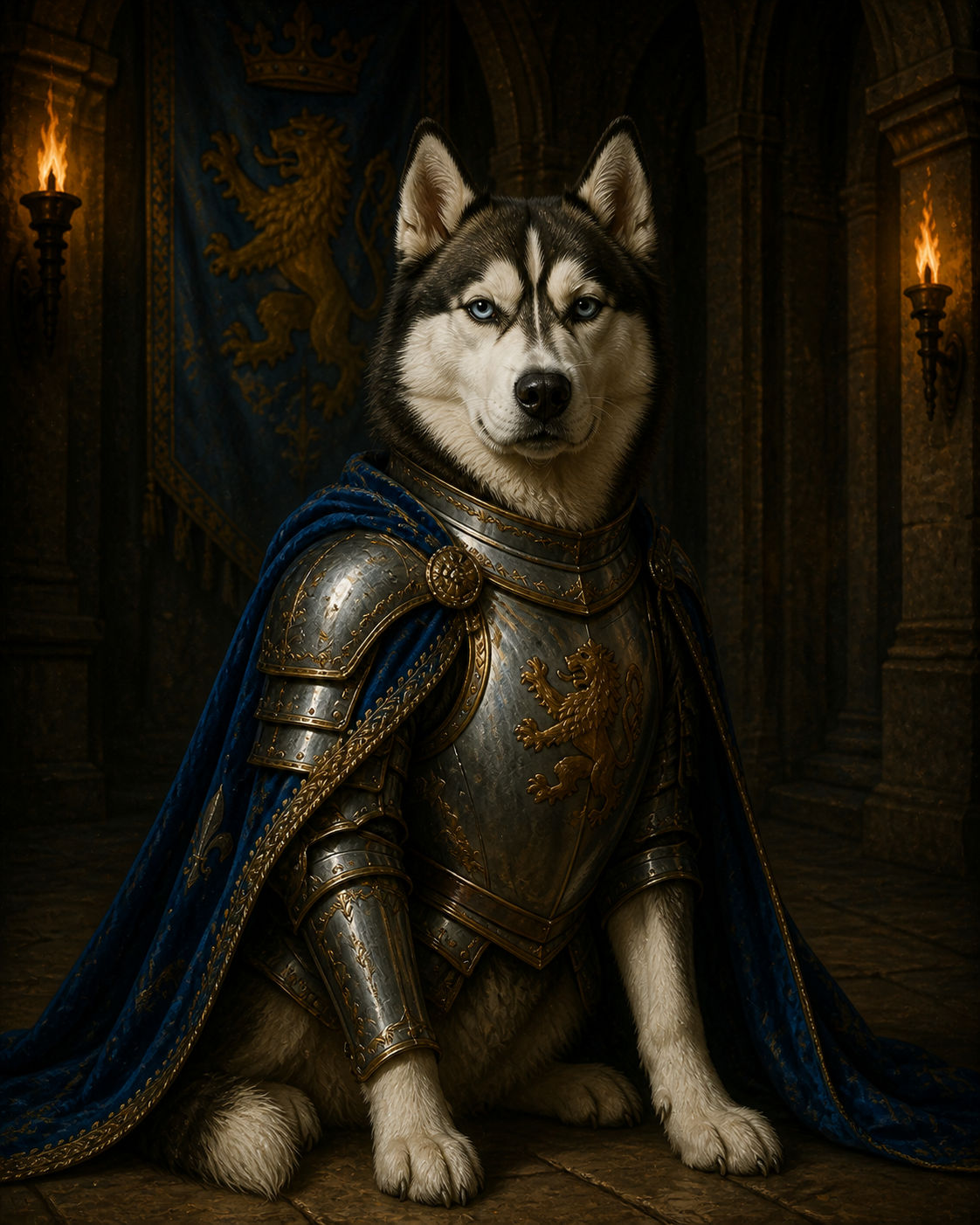 Royalty4 examples
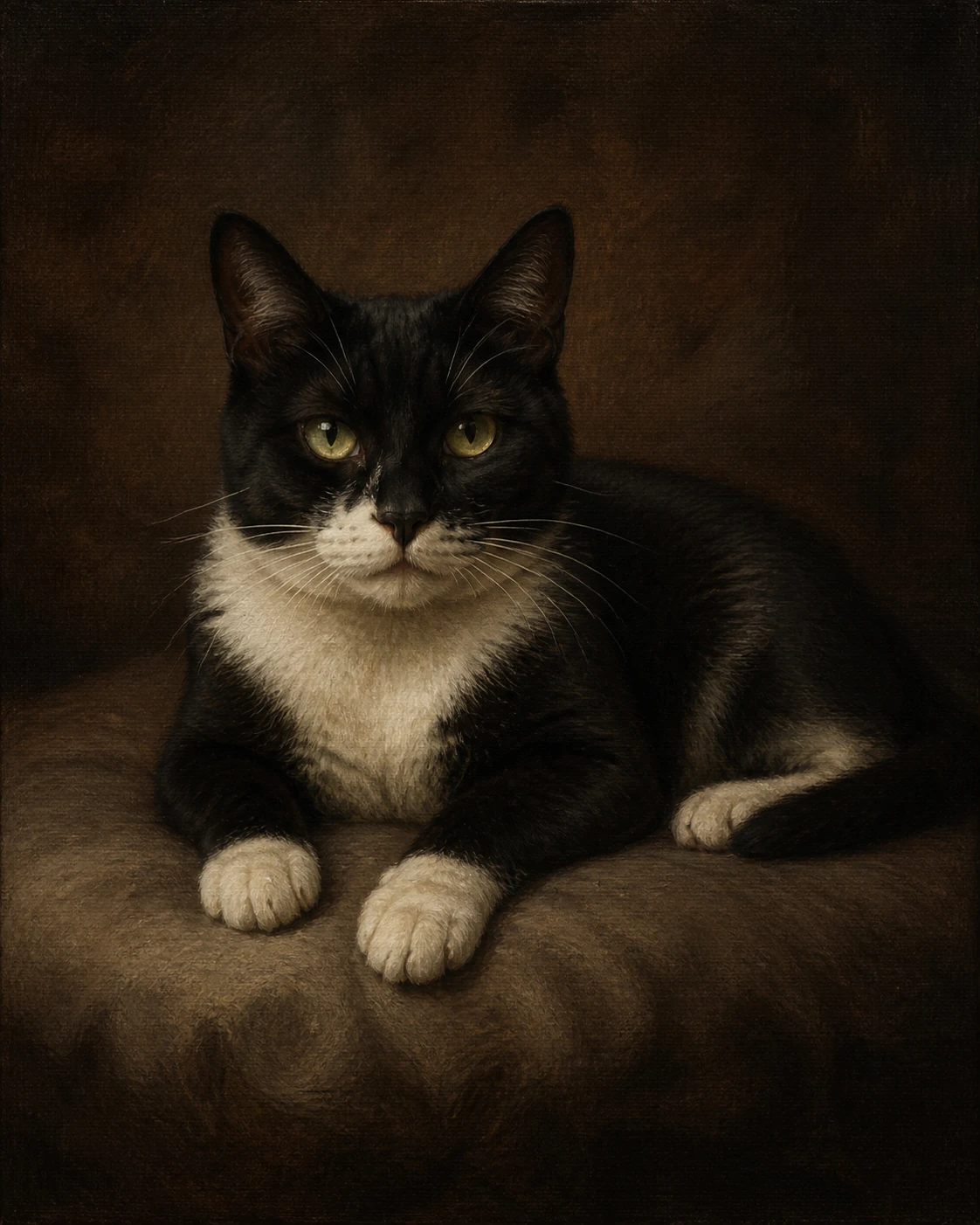 Heirloom3 examples
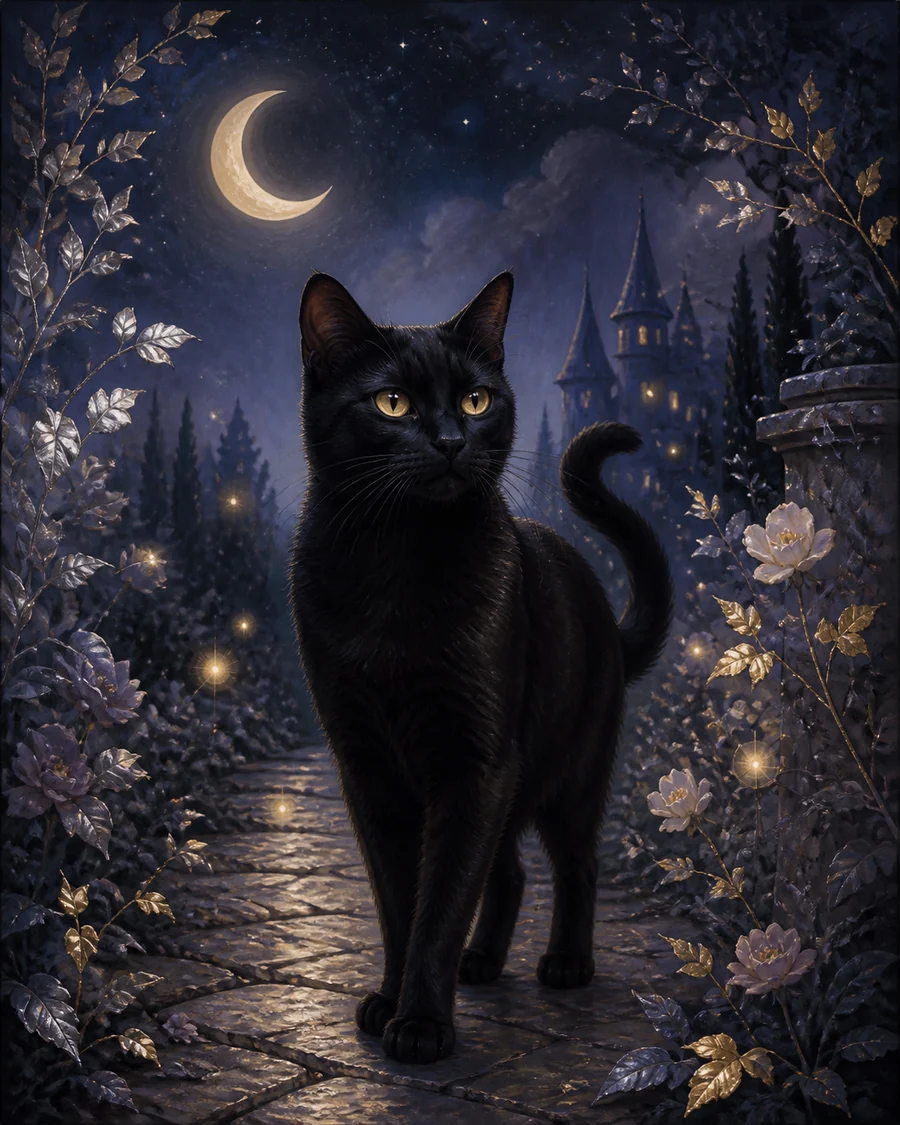 Storybook4 examples
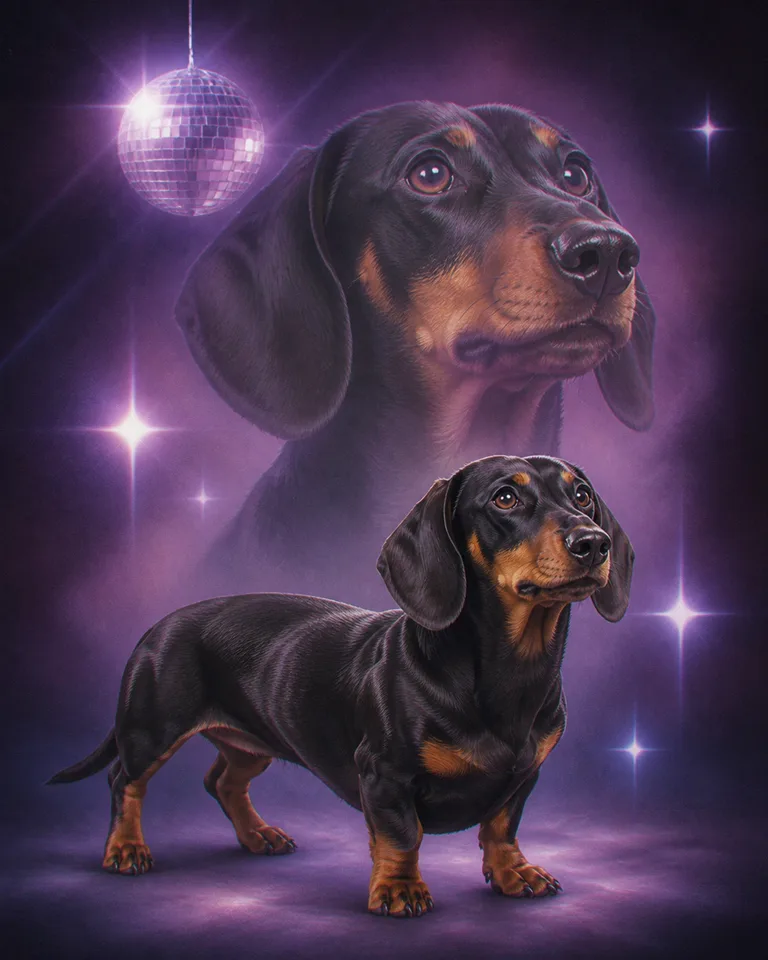
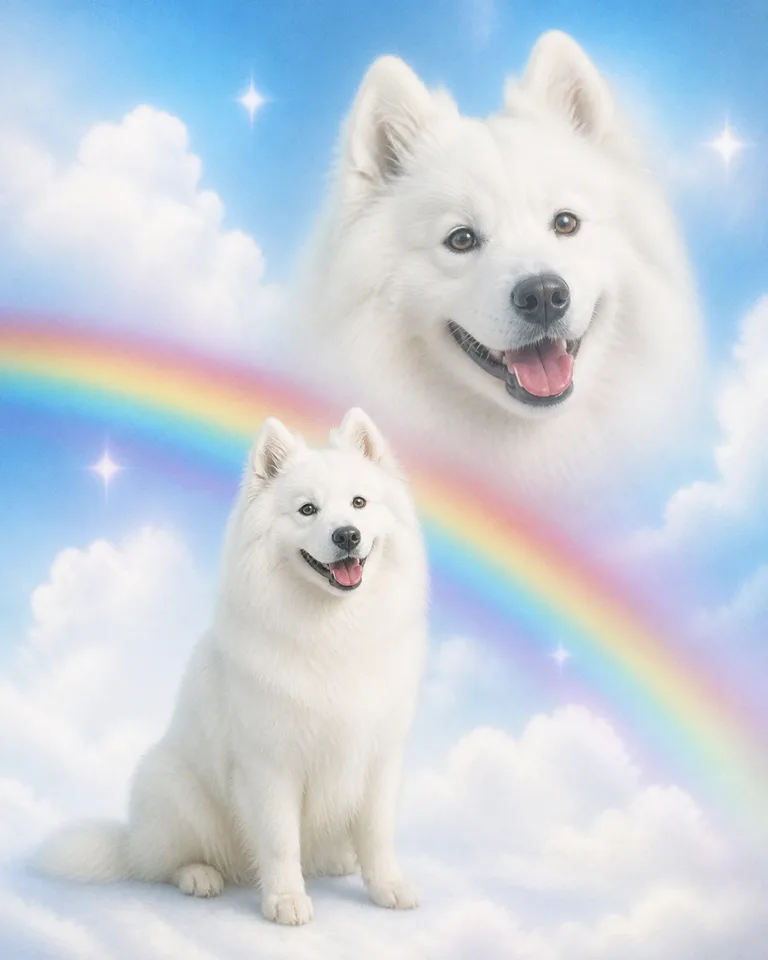 Retro dreamscape4 examples
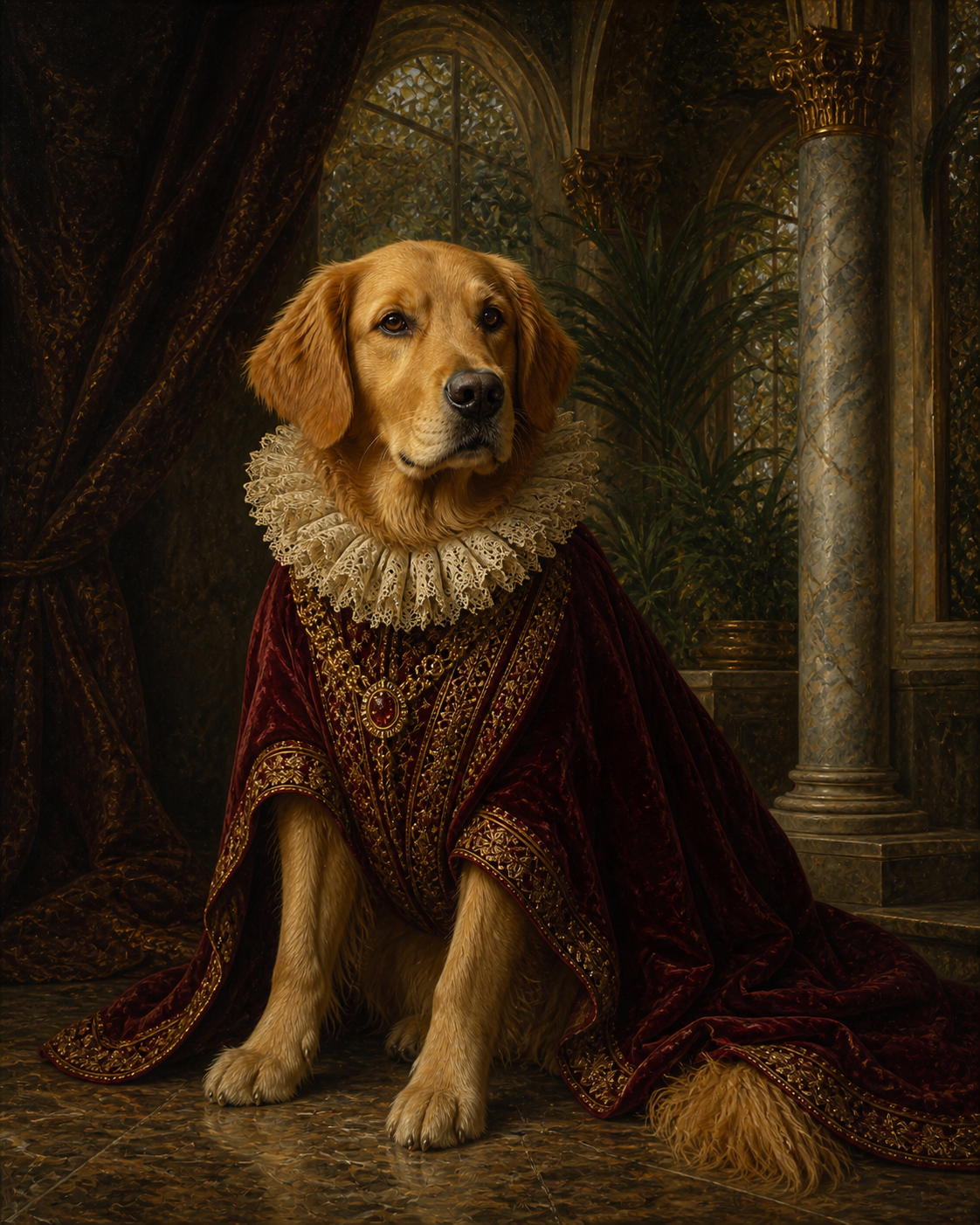 Renaissance4 examples
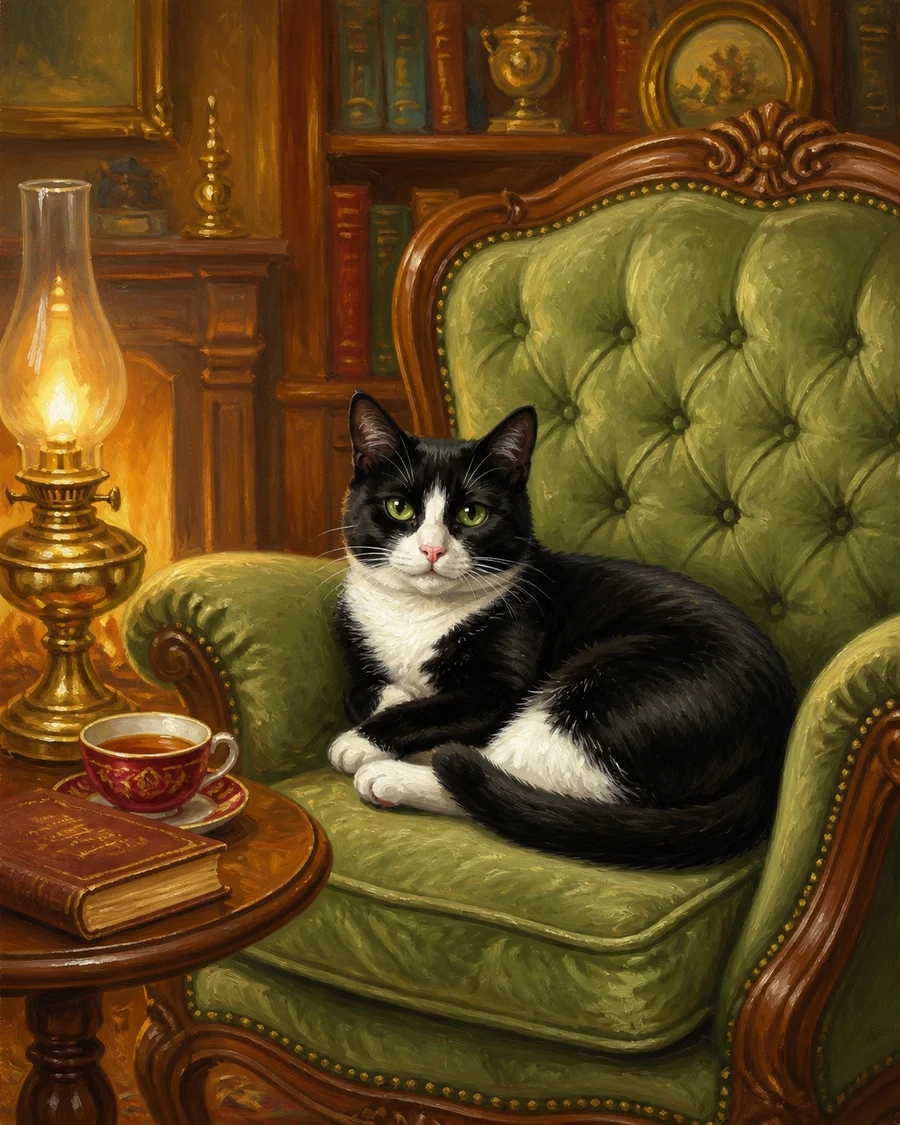 Heritage4 examples
Choose an image where both eyes and the shape of the face are visible when possible. Formal portrait styles usually benefit from a head-and-shoulders crop, while environmental or shared portraits may need more of the body.
Window light or outdoor shade often reveals fur and markings without harsh shadows. Strong backlight can hide the face. Direct flash can flatten colour or create reflections in the eyes.
The original phone photo normally contains more detail than a screenshot, social-media download, or image copied from a chat. Avoid enlarging a tiny image before uploading; it does not restore missing detail.
Beauty filters, colour presets, and artificial blur can change coat colour, eye shape, or facial detail. Start with the most natural version available.
Before uploading, zoom in and ask whether the pet’s eye colour, muzzle, ear shape, markings, and collar area are visible. These details matter more than a perfectly clean background.
Choose the least compressed version and avoid promises before testing it. The free preview is the honest way to see whether the available detail supports the chosen style.
Try another image when the face is heavily blurred, the eyes are completely hidden, a strong filter changes the animal’s features, or the available file is only a tiny thumbnail.
See the result for free first. Choose a download or print only when the portrait feels right.
Join 2,000+ pet parents who turned a favourite photo into artwork.